

Hekana Analytics
Track store visitors, most viewed products, purchase behavior — AI-ready data
Free
No install fee, no monthly subscription, and nothing deducted from your store wallet.
Adding the app means you accept the Terms of Service · Privacy Policy
Screenshots
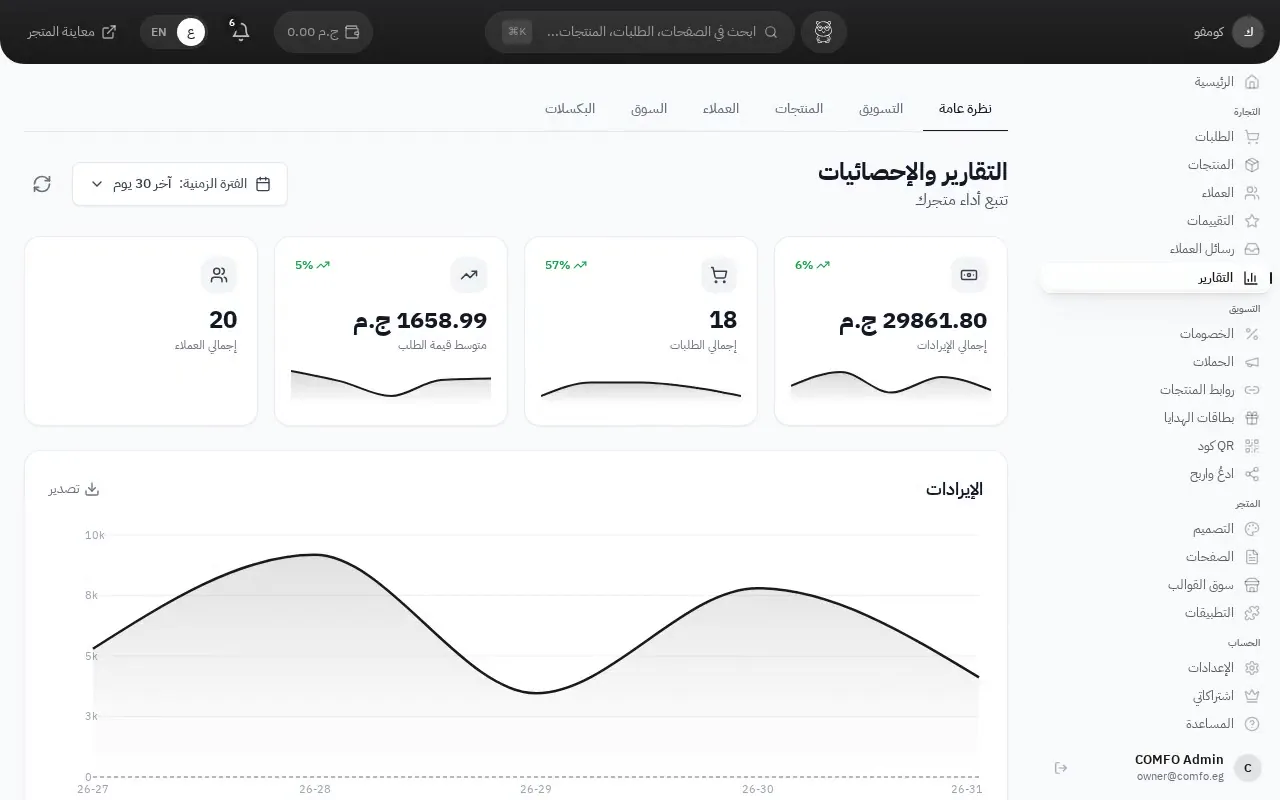
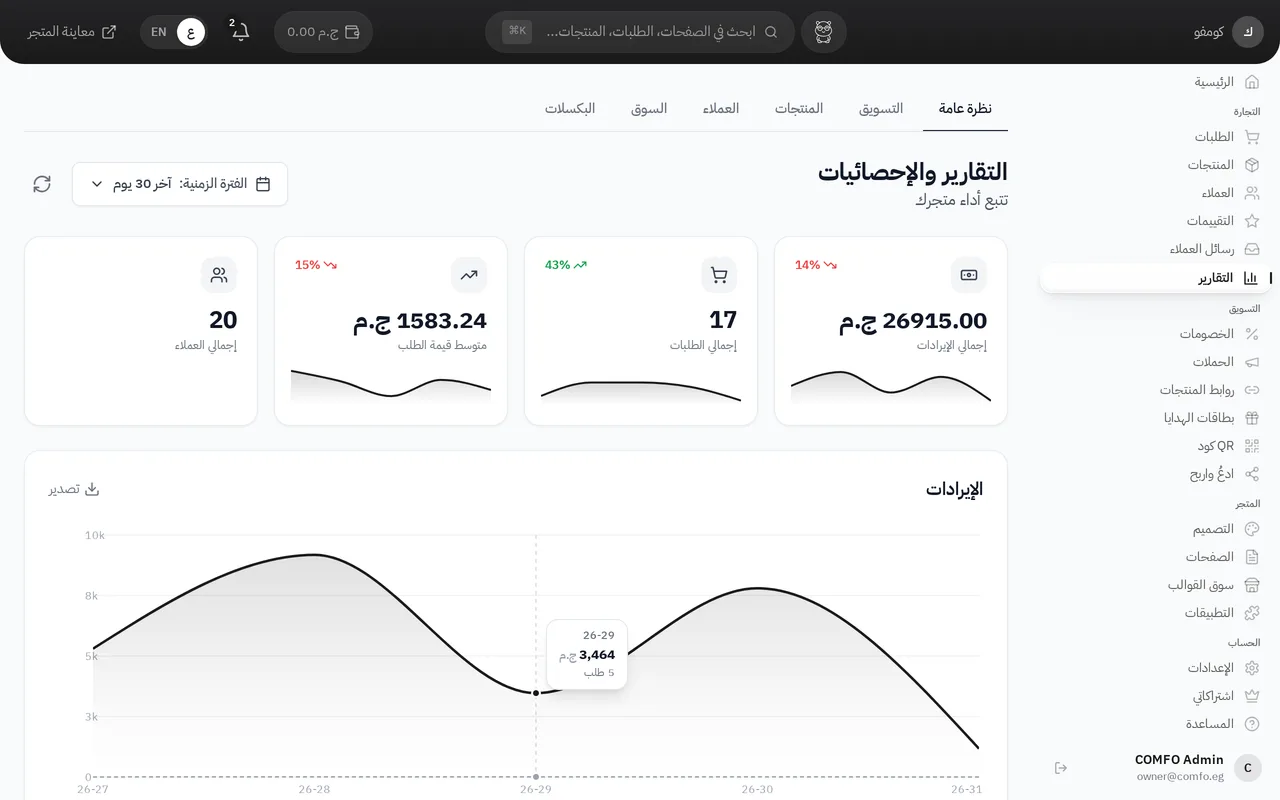
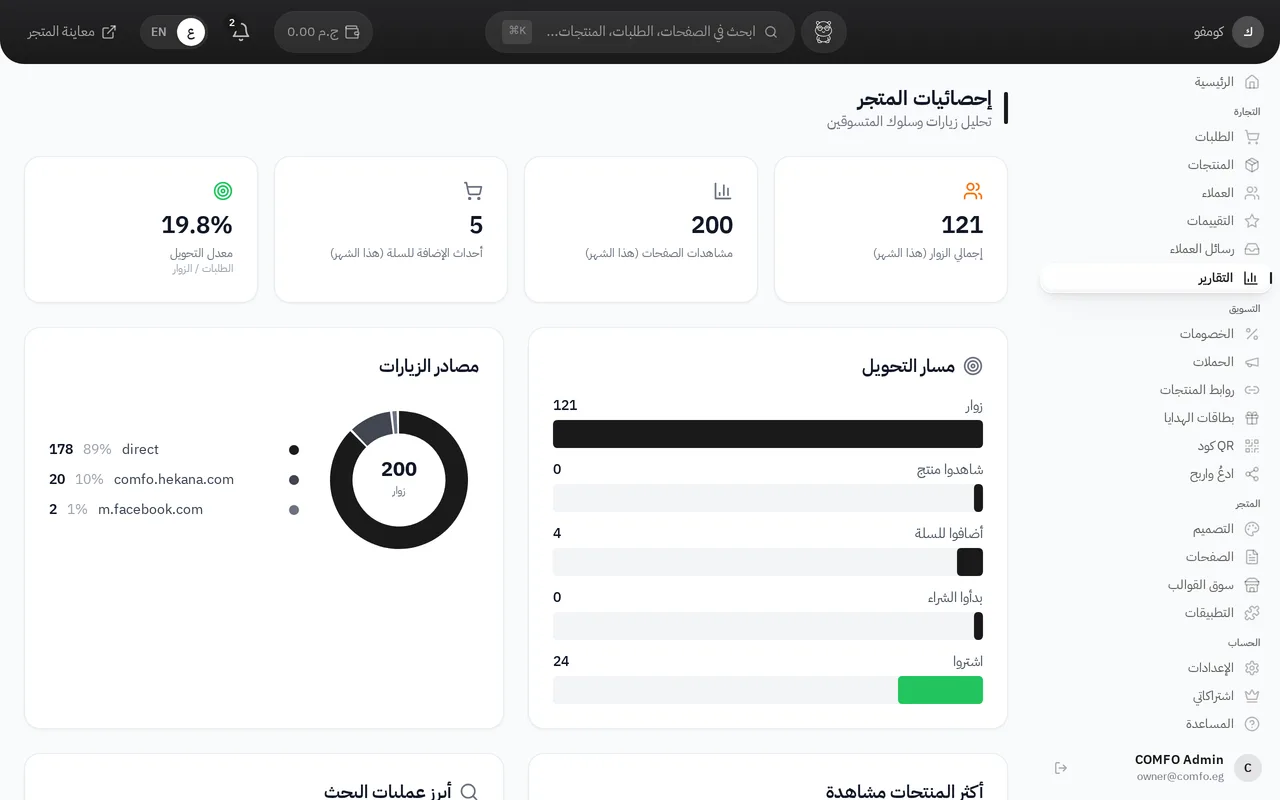
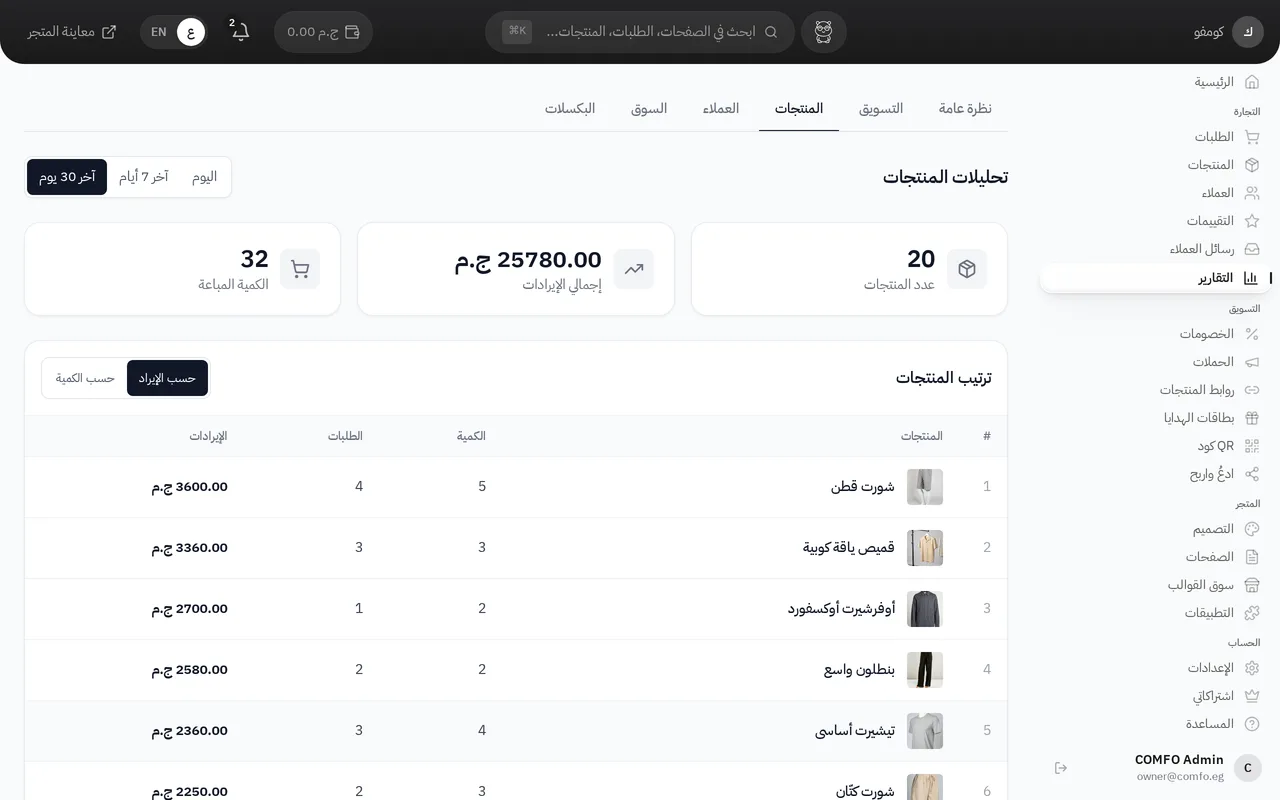
Captured on a demo store — the figures shown are that store’s.
About this app
Who it is for
For a merchant with traffic who wants to know which products get viewed but not bought, who comes back for a second order, and exactly where shoppers drop out before paying.
Features
-
Revenue and orders over time
Revenue, order count and average order value plotted by day, week or month, each period compared with the one before it.
-
Product performance
Products ranked by views and by sales, with which ones are trending up or down — so you know where to restock and what to pull off the homepage.
-
Conversion funnel
Product view to cart to checkout to order, with the completion rate at each step, so the stage you are losing people at is a number you can see.
-
Abandoned carts
The carts left without payment and what each was worth, so the size of the loss is measured instead of guessed.
-
Customers and repeat rate
New against returning customers, grouped by the month of their first order, so you can tell whether you are keeping customers or buying them again every month.
-
Payment methods and settlement
How orders split between cash on delivery and online payment, with what has settled and what is still due.
Plan and billing
Free plan
Free
No install fee, no monthly subscription, and nothing deducted from your store wallet.
Included in the plan
- Revenue and orders over time
- Product performance
- Conversion funnel
- Abandoned carts
- Customers and repeat rate
- Payment methods and settlement
Free, in full. No install fee, no monthly subscription, and nothing deducted from your store wallet — every report and every export is included in your plan at no extra cost.
Billing details
- Install fee
- None
- Monthly subscription
- None
- Usage charge
- None
- Refunded when a request fails
- No
- Paid from the store wallet
- No
| Item | This app |
|---|---|
| Install fee | None |
| Monthly subscription | None |
| Usage charge | None |
| Refunded when a request fails | No |
| Paid from the store wallet | No |
Setup
- Open the dashboard, go to Apps, and add Hekana Analytics to your store.
- There is no snippet to install — tracking already runs inside your storefront.
- In the Analytics section, pick the period: today, this week, or this month.
- To work on the numbers in a spreadsheet, export them as CSV from the same page.
Technical support
The Hekana team that built the app is the team that answers you — in Arabic, on the same channel you use for the rest of your store.